

Close Menu

    Subscribe to Updates

    Get the latest creative news from FooBar about art, design and business.

    What's Hot

    Zoho Projects: Key Features and Overview

    October 27, 2025

    Zoho CRM Comprehensive Overview

    October 27, 2025

    Zoho Desk: Guide and Comparison

    October 27, 2025
    Facebook X (Twitter) Instagram
    Tech How To DoTech How To Do
    • Tech News
    • Home
    • Windows
      • Windows Server
    • Apple
    • Linux
    • WWW
      • E-commerce
      • Shopfiy
    • Mobile
      • Android
      • iOS
    • Cloud
    • Office
    • Tech Tips
    • Gaming
    • HRMS
      • Admin
      • Employee
    Tech How To DoTech How To Do
    Home»Tech Tips»What is Malwarebytes and How to Use it.
    Tech Tips

    What is Malwarebytes and How to Use it.

    Ahmad LatifBy Ahmad LatifSeptember 5, 2024Updated:October 27, 2025878 Comments2 Mins Read
    Facebook Twitter Pinterest Telegram LinkedIn Tumblr WhatsApp Email
    MalwareBytes
    Share
    Facebook Twitter LinkedIn Pinterest Telegram Email

    What is Malwarebytes and How to Use it.

    If you believe your computers antivirus may be causing problems and not working as well as it should be. Then its good to get a second option. We recommend Malwarebytes.

    Malwarebytes is a software designed to search and remove spyware, adware and other unwanted programs and software from your computer.

    Malwarebytes is available in both a free and premium version. In the free version you have to perform the scans and updates manually. The $40/year runs automatically. The application is very easy to use if you follow a few simple steps.

    How to download and install Malwarebytes

    1. Visit the Malwarebytes website.
    1. You will be directed to the following page. To download Malwarebytes click the “Free download” button.

     

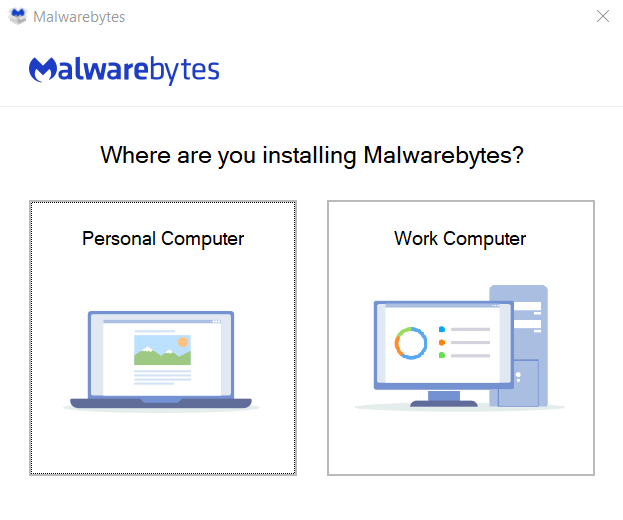
    1. Open the setup and choose whether you are installing on your personal computer or a work computer.
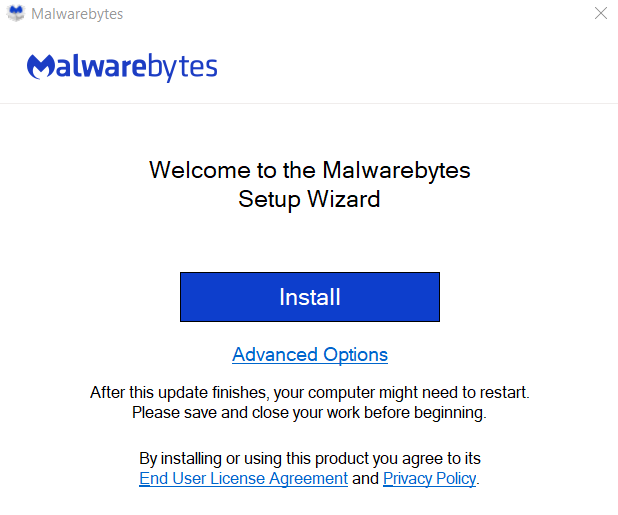
    1. Click the install button.

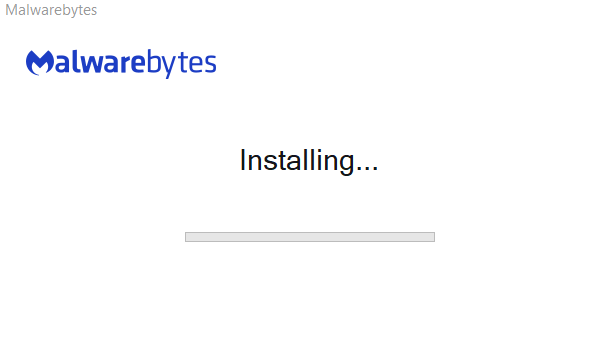
    1. Malwarebytes will start installing.


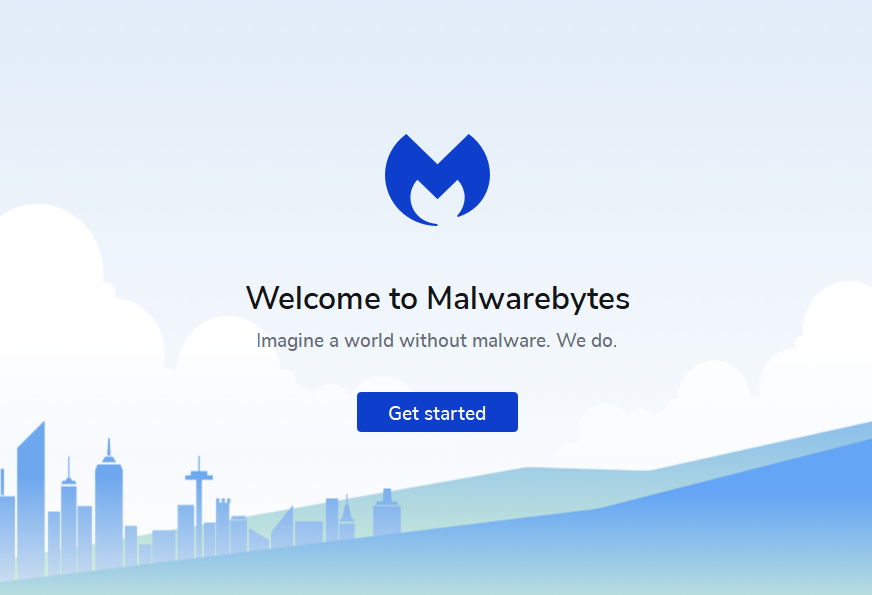
    1. After installation is complete. This window will open, click “Get started” and complete the rest of the setup.
     

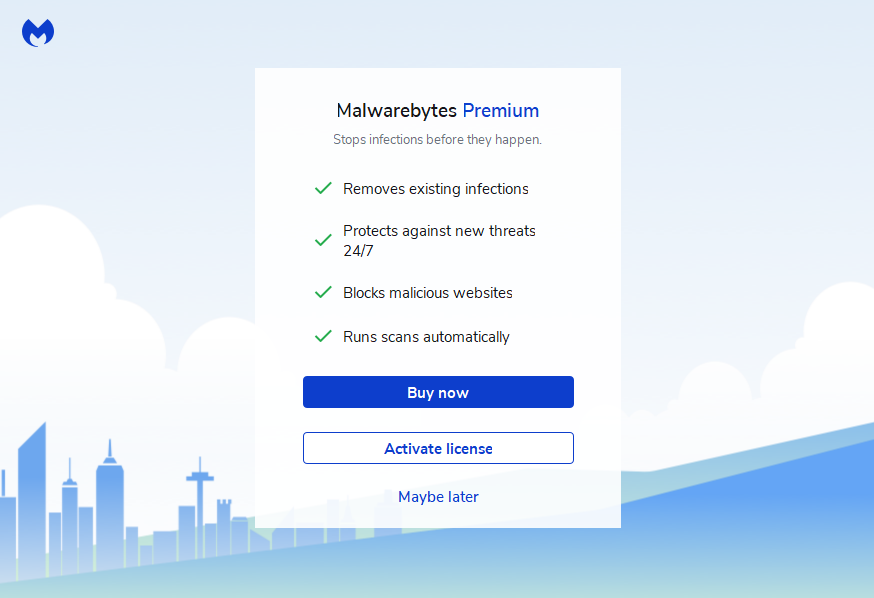
    1. Choose whether you would like to buy the premium version of Malwarebyte now, use a activation key or try the free version now.
     

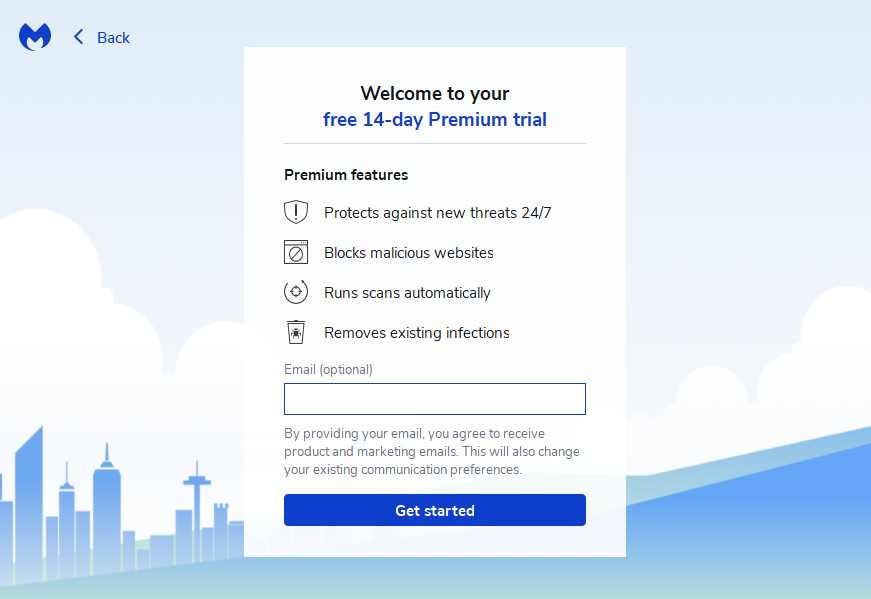
    1. Enter your email address to start a 14 day free trail.
     

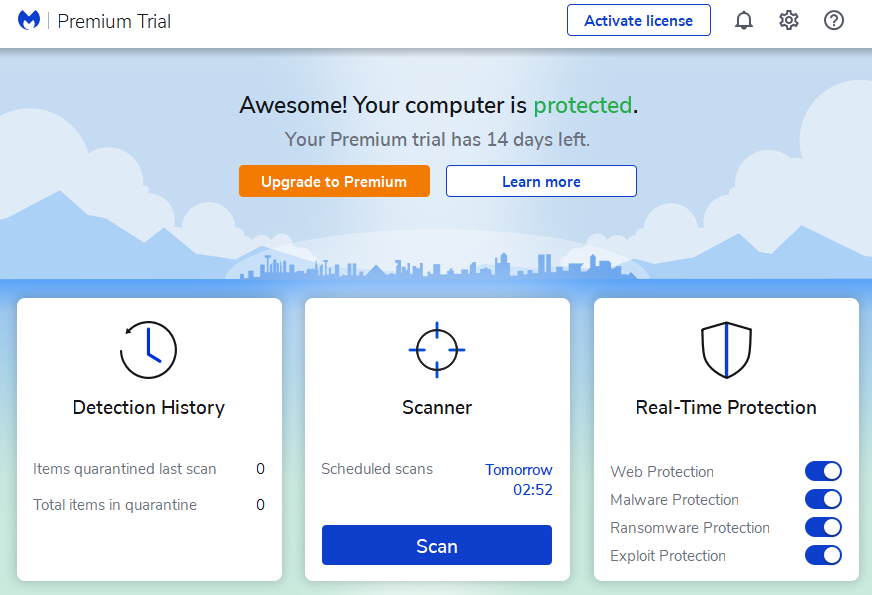
    1. And you are done with the installation process. The window of Malwarebyte will open automatically.
     

    How to scan your computer with Malwarebyte Anti-Malware

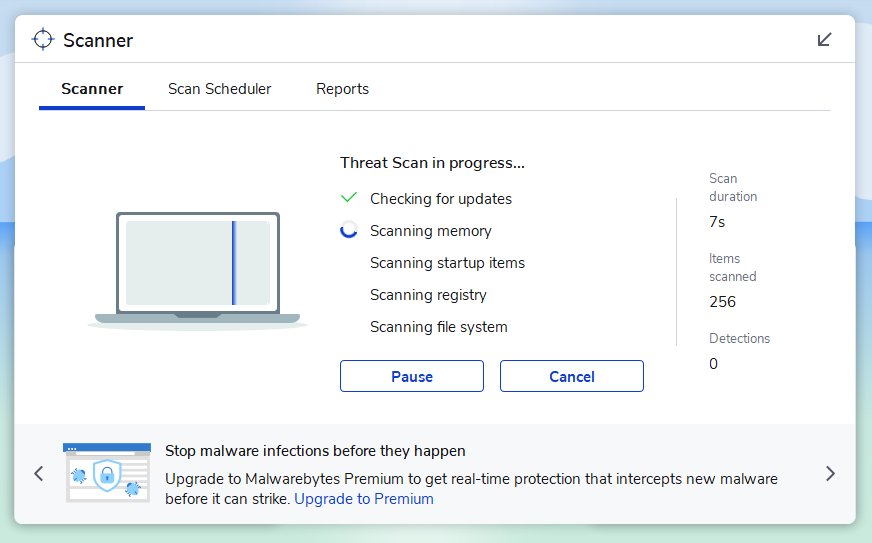
    1. Click scan in the scanner portion of the screen.
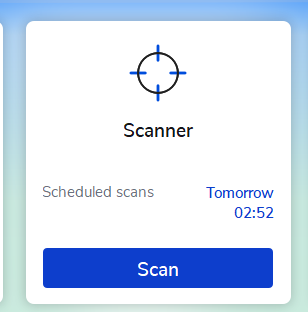
     

    1. The scanner will start scanning all the files on your computer.
     

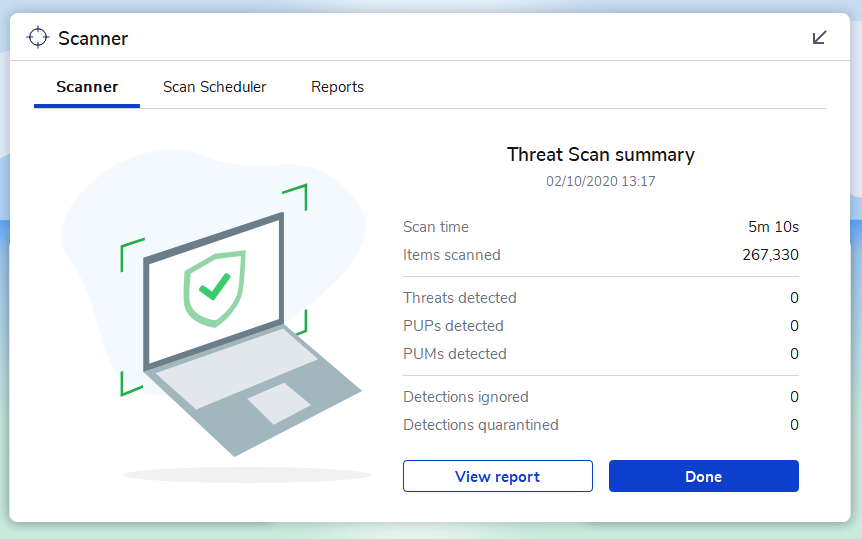
    1. After the scanner is done it will display the threat summary, look at the threat summary and see if there are any threats detected.
     

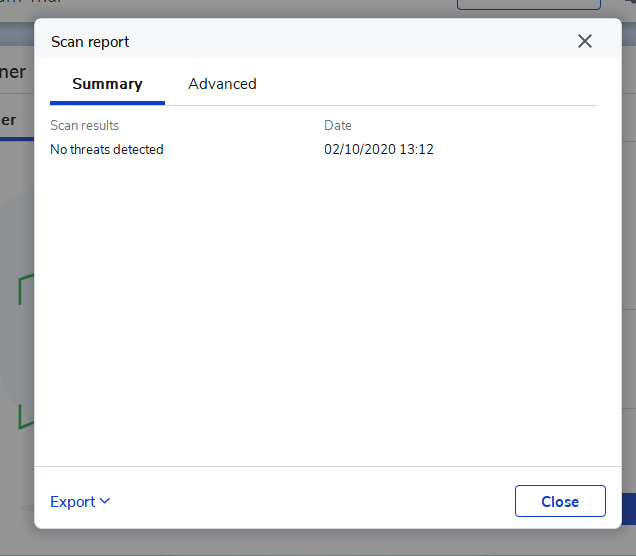
    1. If you want to see the full report click on “view report” and a full report will be displayed.
     

    1. It will give you the full report regarding the threats in your computer.


    Share. Facebook Twitter Pinterest LinkedIn Tumblr Email
    Ahmad Latif
    • Facebook
    • X (Twitter)

    Ahmad has 9 years of experience in Graphic design, IT Help-desk and Network Support Agent. He worked with multinational companies to provide IT-solutions/Troubleshoot to end users. He has experience supporting 32 global offices and was a part of the team having offices in Pakistan, Philippines, and India. He has hands-on experience Leading teams, Training Global teams, Incident management, Service desk Projects Management, Virtual Infrastructure Setup/Management, Office365, Window Azure, CISCO IP Phones, Reporting, and many of Adobe products.

    Related Posts

    Zoho Projects: Key Features and Overview

    October 27, 2025

    Quantum Computing: Transforming Technology and Everyday Life

    October 28, 2024

    Automate Ticket Creation in Zoho Desk from Incoming Emails

    October 23, 2024

    Host Your Static Website on Cloudflare Pages with Custom Domain

    October 21, 2024

    Why Gaming in Workplace Boosts Productivity

    October 9, 2024

    MovieGen: Meta’s Groundbreaking AI Model Can Create Videos from Text

    October 7, 2024

    Comments are closed.

    Recent Posts
    • Zoho Projects: Key Features and Overview
    • Zoho CRM Comprehensive Overview
    • Zoho Desk: Guide and Comparison
    • Change your SharePoint domain name
    • HRMS Assets Module: Features, Management, and User Guide
    Categories
    • Android
    • Apple
    • Beauty
    • Building
    • Business
    • Construction
    • Design
    • Education
    • Fashion
    • Food
    • Games
    • Health
    • Lifestyle
    • Mobile
    • Nature
    • News
    • Photo
    • Politics
    • Sports
    • Tech News
    • Tech Tips
    • Technology
    • Travel
    • Video
    Tags
    Business Case Study Creative Education Global Insights Market Security SEO Marketing Smartphone Solutions VPN
    © 2026 Tech How To Do. Develop, Designed and Maintained by AIIT SOLUTION
    • Home
    • Tech
    • Gadgets
    • Mobiles
    • Buy Now

    Type above and press Enter to search. Press Esc to cancel.

    Ad Blocker Enabled!
    Ad Blocker Enabled!