


What is Malwarebytes and How to Use it.
If you believe your computers antivirus may be causing problems and not working as well as it should be. Then its good to get a second option. We recommend Malwarebytes.
Malwarebytes is a software designed to search and remove spyware, adware and other unwanted programs and software from your computer.
Malwarebytes is available in both a free and premium version. In the free version you have to perform the scans and updates manually. The $40/year runs automatically. The application is very easy to use if you follow a few simple steps.
How to download and install Malwarebytes
- Visit the Malwarebytes website.
- You will be directed to the following page. To download Malwarebytes click the “Free download” button.

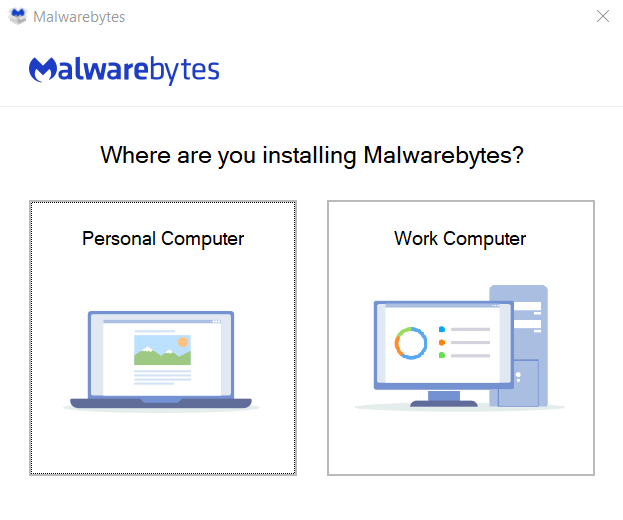
- Open the setup and choose whether you are installing on your personal computer or a work computer.
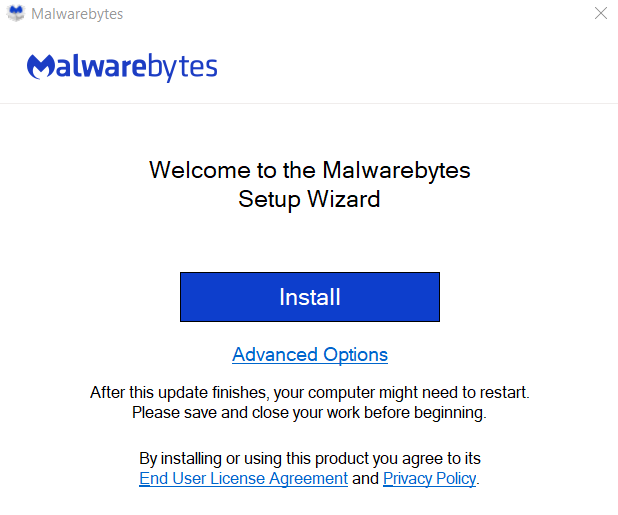
- Click the install button.
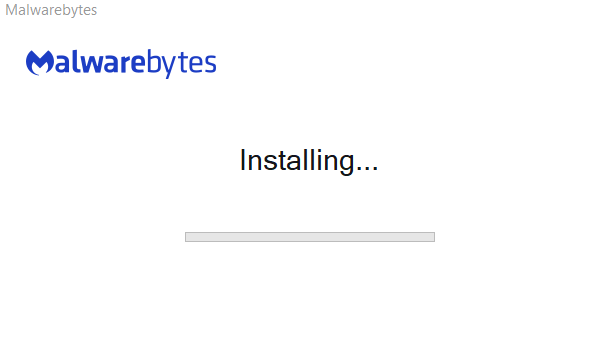
- Malwarebytes will start installing.
- After installation is complete. This window will open, click “Get started” and complete the rest of the setup.
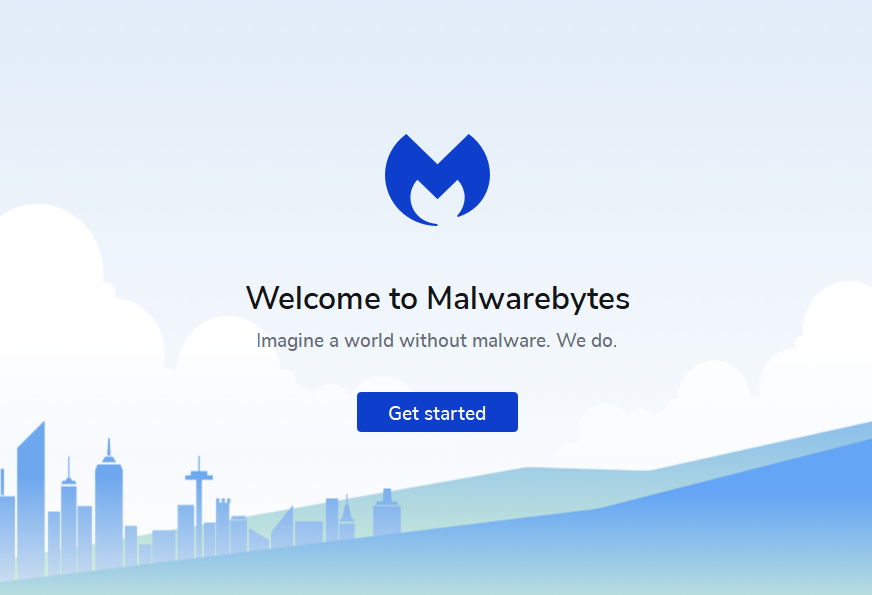
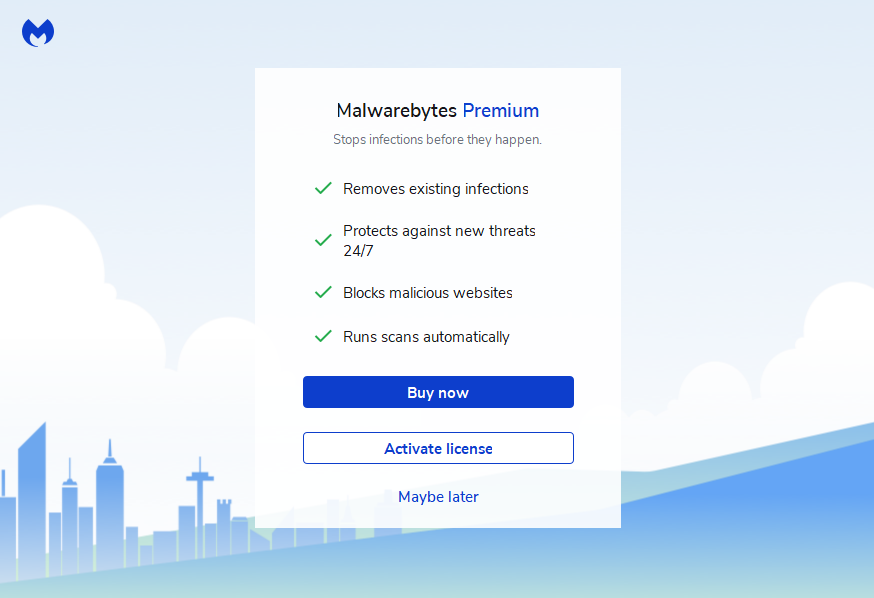
- Choose whether you would like to buy the premium version of Malwarebyte now, use a activation key or try the free version now.
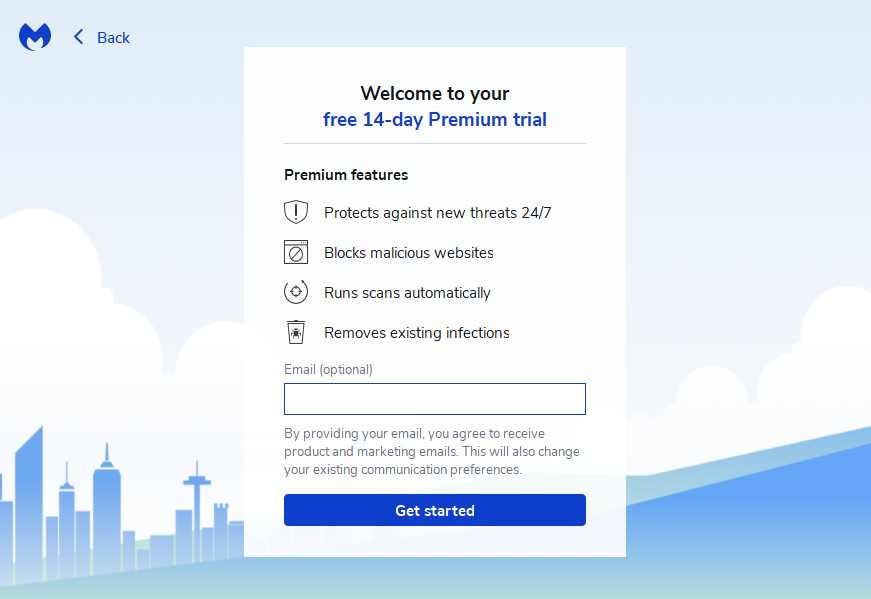
- Enter your email address to start a 14 day free trail.
- And you are done with the installation process. The window of Malwarebyte will open automatically.
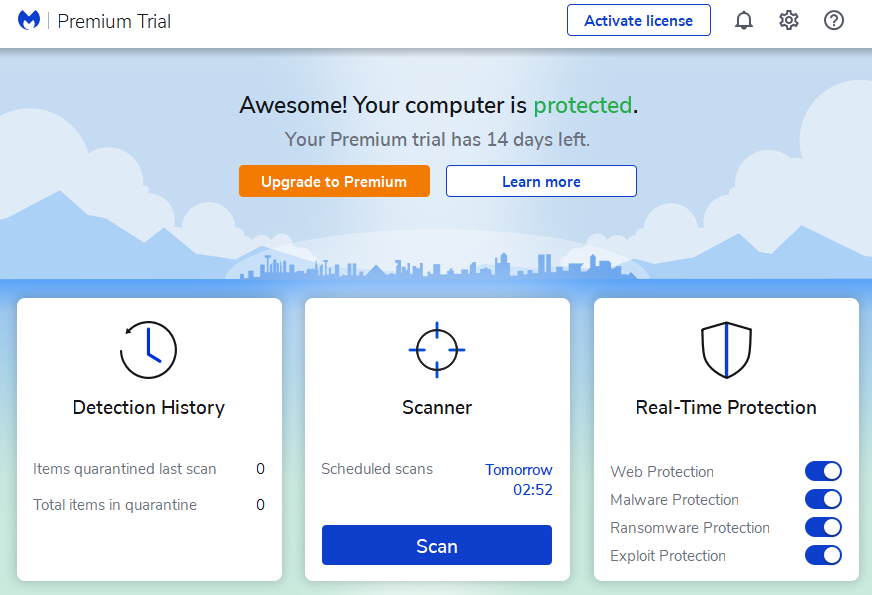
How to scan your computer with Malwarebyte Anti-Malware
- Click scan in the scanner portion of the screen.
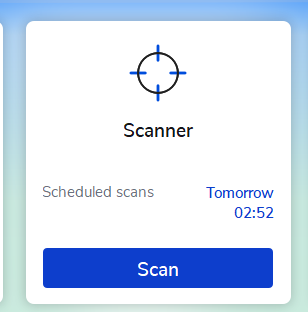
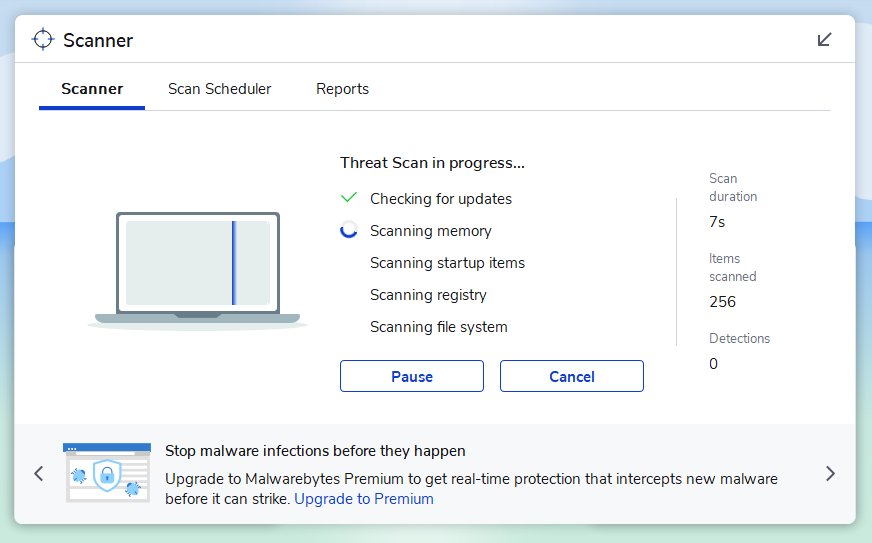
- The scanner will start scanning all the files on your computer.
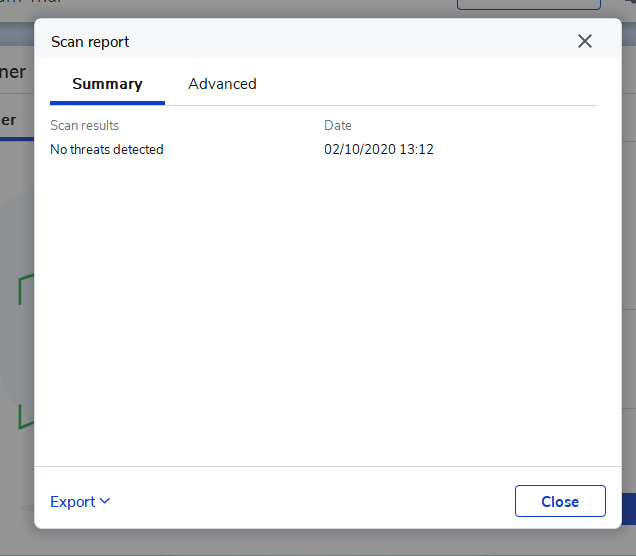
- After the scanner is done it will display the threat summary, look at the threat summary and see if there are any threats detected.
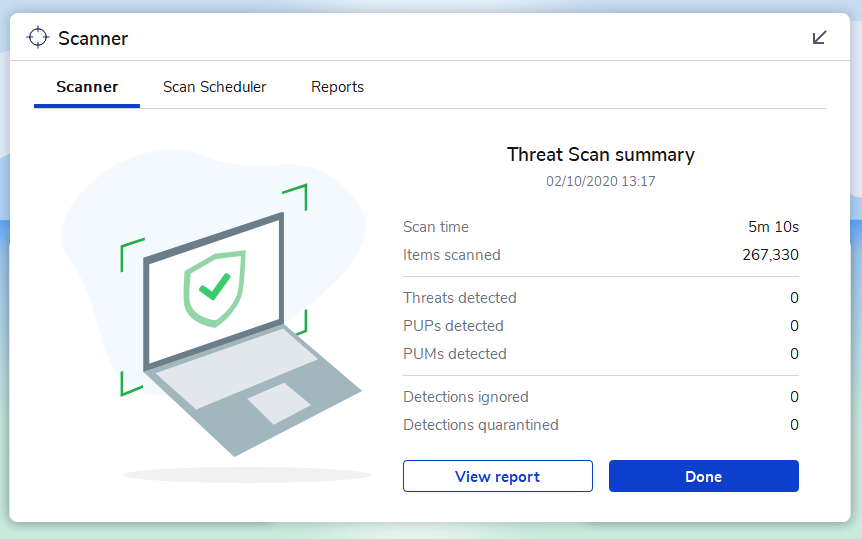
- If you want to see the full report click on “view report” and a full report will be displayed.
- It will give you the full report regarding the threats in your computer.